

Press the dedicated DPI button on the mouse to cycle through preset sensitivity stages: 800 / 1600 / 2400 / 3200 / 6400 / 12000 DPI. The default DPI on startup is 1600. The LED indicator on the mouse indicates your current DPI level. Using the Armor software, you can customise which DPI stages are active and set a preferred default.

ultralight, built to rise
version.M1
version.M1
Reduced mass. Elevated control.
Rs. 1,499
Rs. 1,999

46g ± 3g
ultralight

1000 HZ
upto 1K1K polling rate

customisable
5 programmable buttons

software
tune with armor ark
video reviews
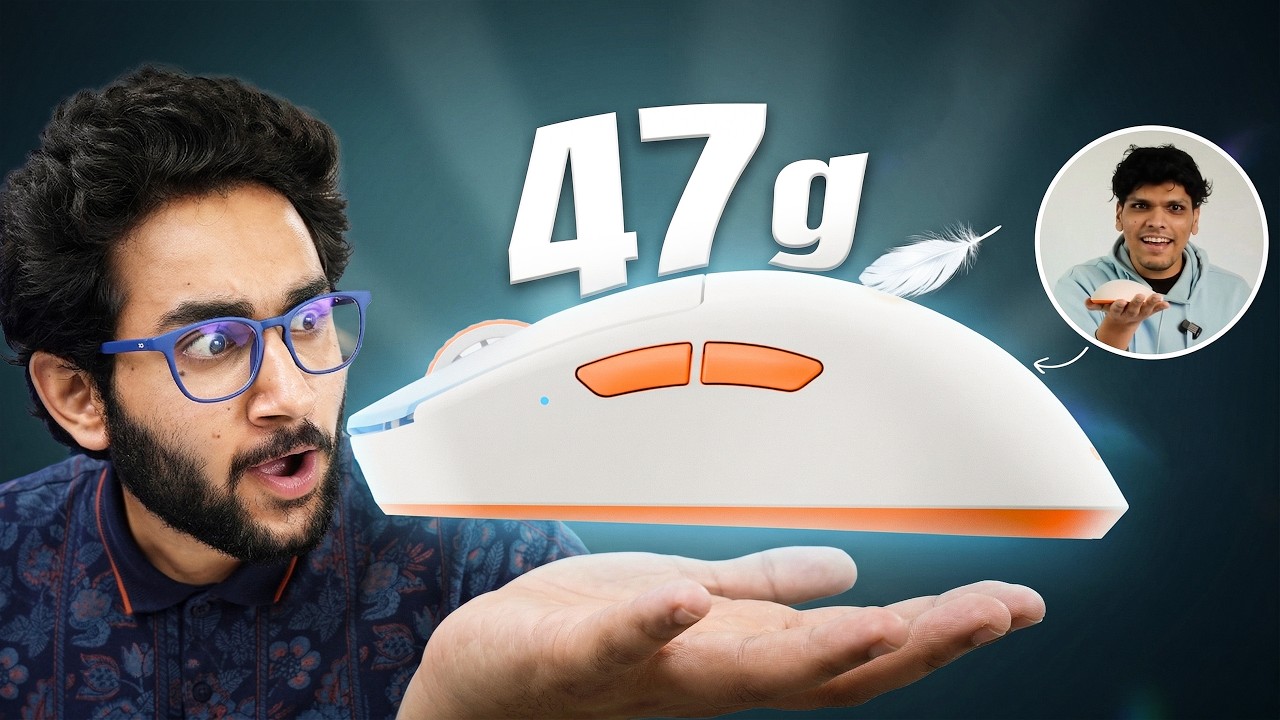
Mythpat's Gaming Mouse at ₹1699... Worth It? Armor M1
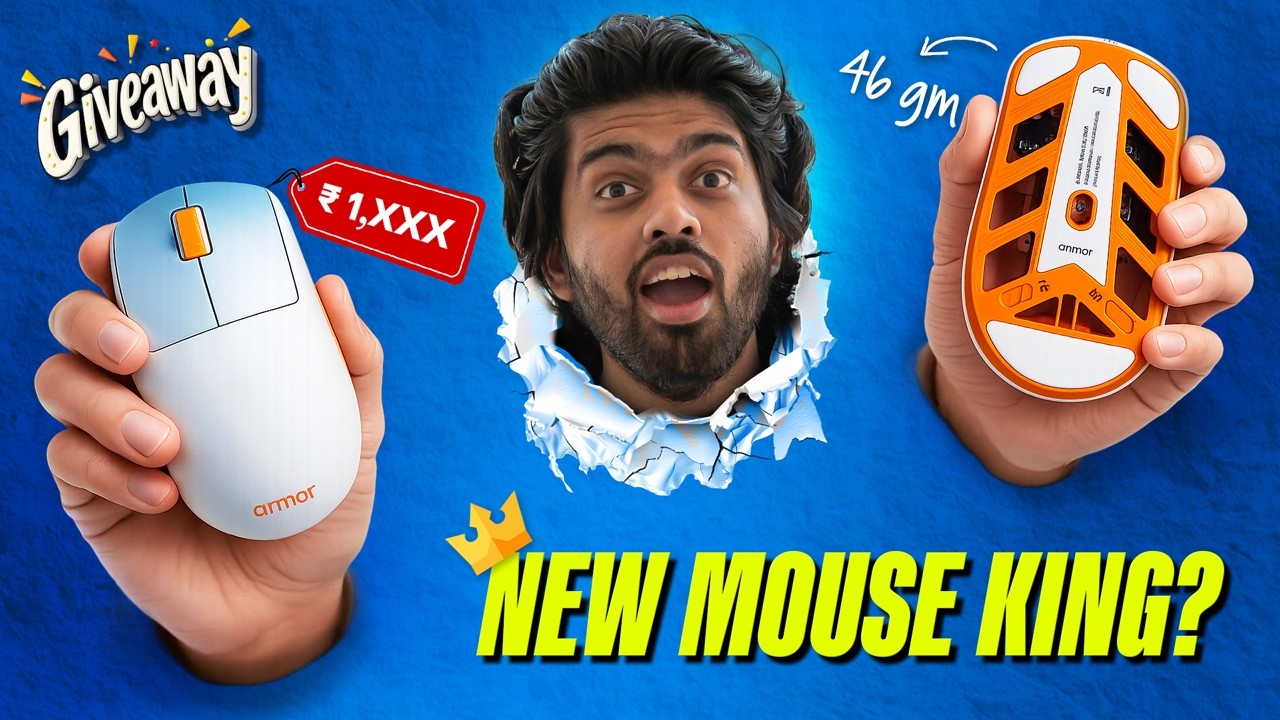
The Best Looking Gaming Mouse Under ₹2000? (Giveaway 🎁) - ARMOR x Vers...

Mythpat's Armor M1 VS Logitech G102 !
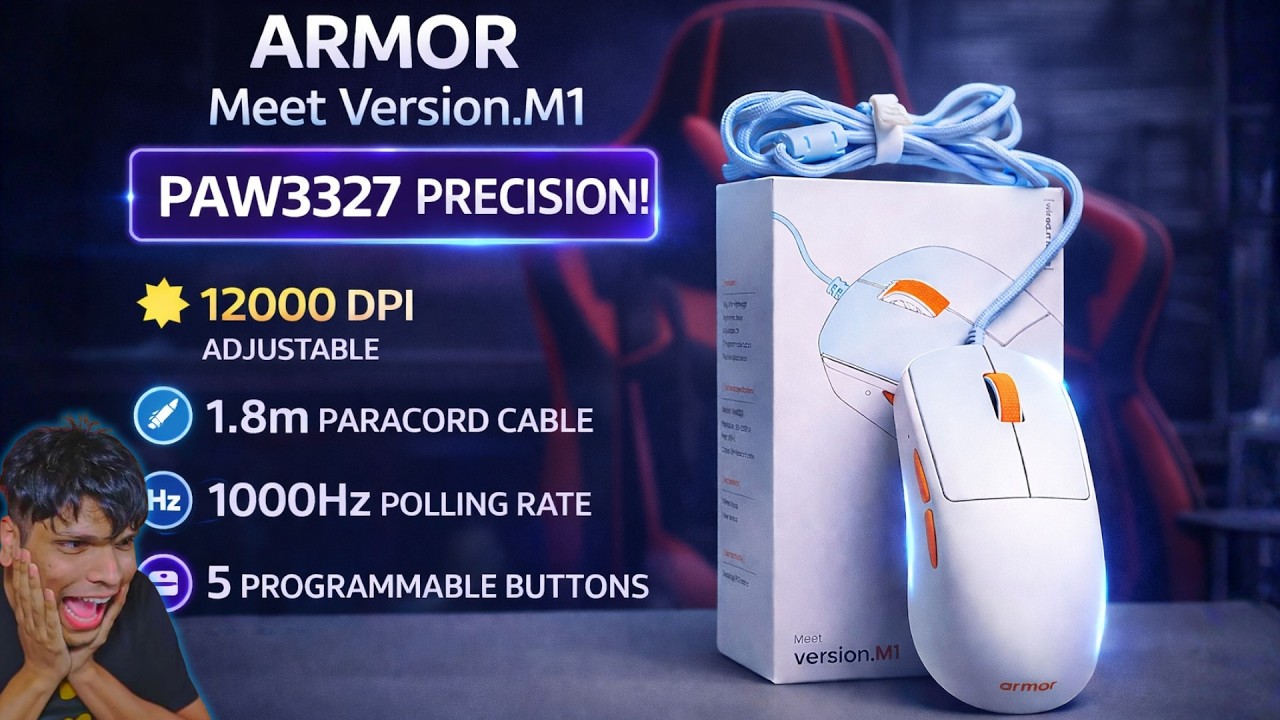
Armor Version M1 Review – 5 Programmable Buttons & High Speed Tracking
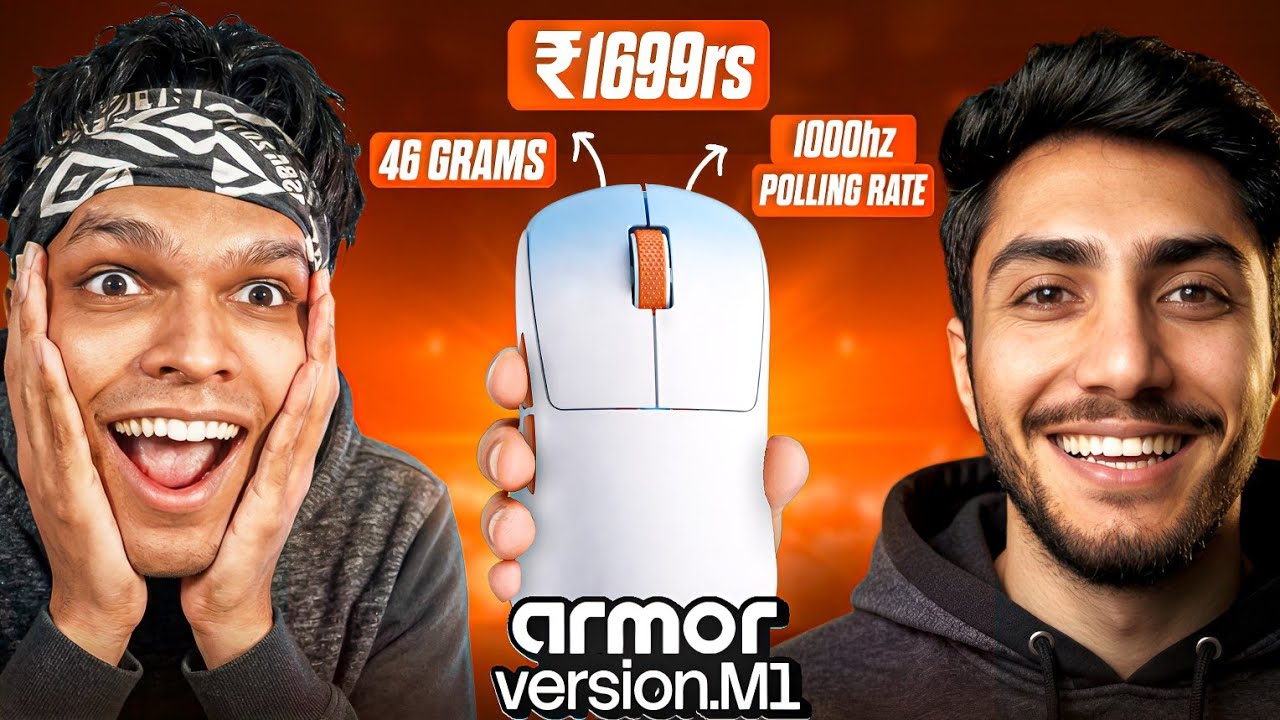
I Tried Madcatz's Armor M1...And I Have Mixed Feelings!
Mythpat's Gaming Mouse Armor M1 - 47g Esports Mouse at ₹1699 Worth?
Mythpat Mouse Armor M1 | Better Than Expected Mouse | Gaming Mouse ₹1699
Mythpat's Gaming Mouse Armor M1 Full Details Review (Giveaway 🎁)
Armor M1 The ₹1699 Contender
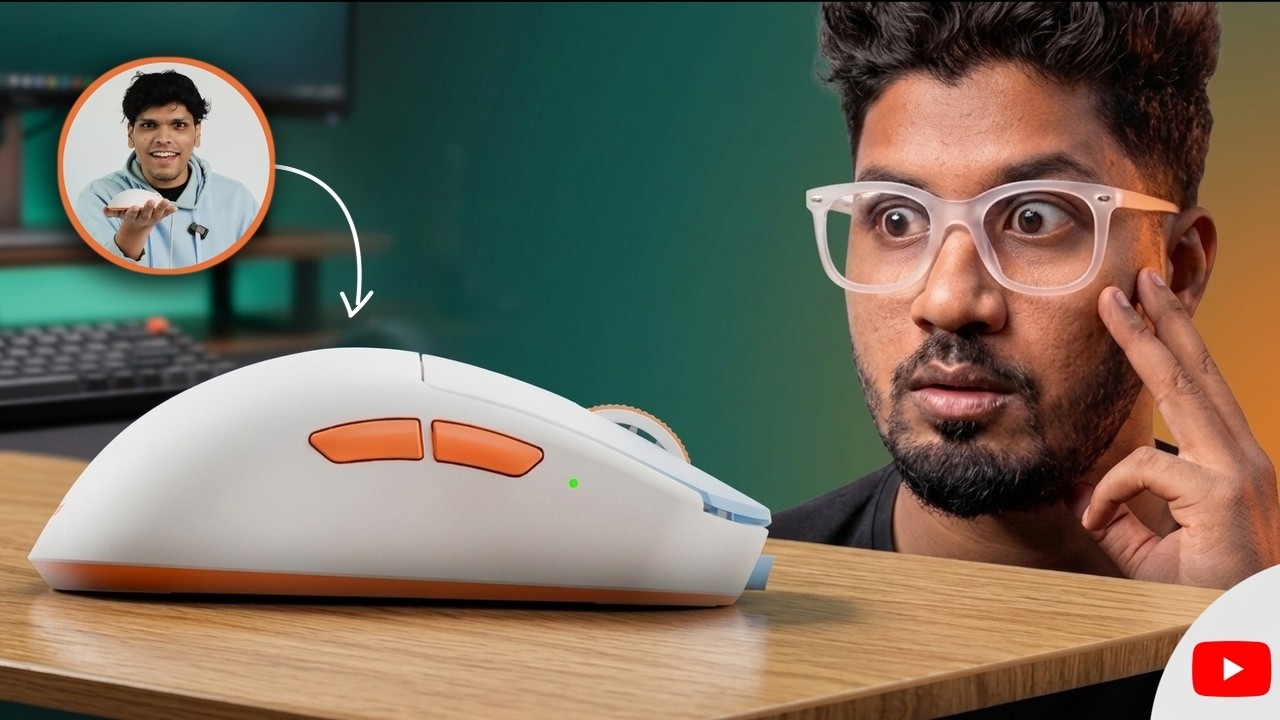
I Didn't Expect This From @Mythpat | Armor M1 Mouse Review
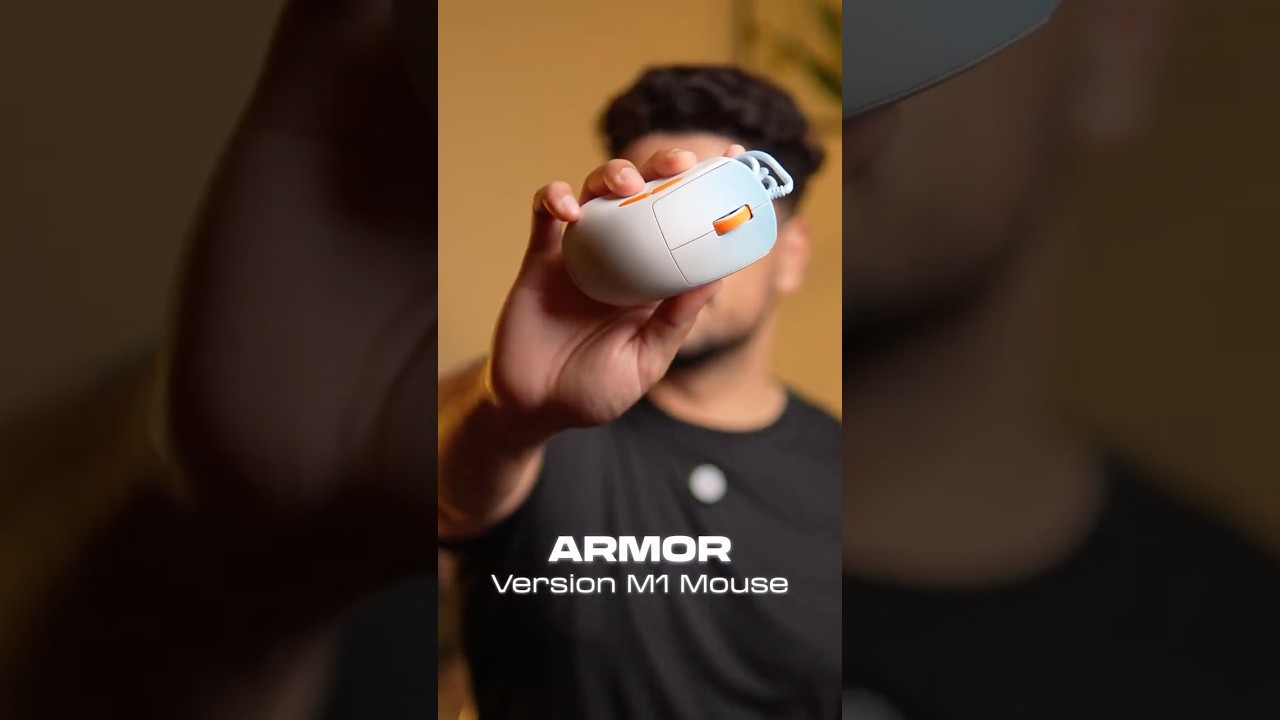
Mythpat's gaming mouse - Armor Version M1 🔥
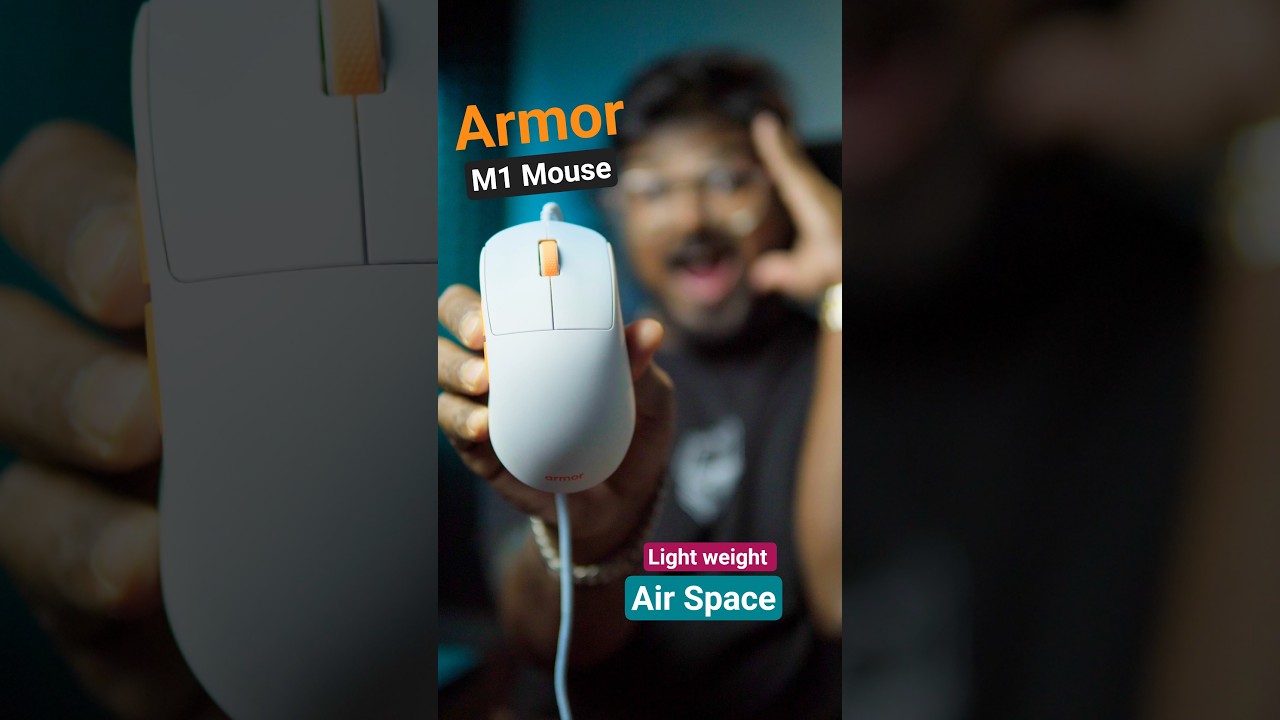
Armor Version M1 Gaming Mouse Rs 1699/- #armor #gamingmouse

engineered reduction.
meet the airframe.
Ultralight isn't about chasing numbers.
It's about removing what slows you down.
The airframe restructures the base to reduce mass
without weakening the shell.
What remains is strength, balance, and speed.
46 grams isn't the goal. It's the result.
precision tuned for
competitive play.
Switch DPI on the fly.
Adjust polling and DPI physically or through software.
Let your sensitivity match your style — not the other way around. Our switches deliver tactile feedback that stays consistent, even after millions of clicks.

DPI
6 custom profiles • hardware &
software control
high velocity tracking
220 IPS built for fast, stable
motion
1000 HZ
adjustable polling • 4 selectable
modes
the center never drifts
PTFE SKATES
PTFE SKATES
DPI TOGGLE
AIR FRAME
POLLING RATE SWITCH
1.8 M PARACORD
PAW 3327 OPTICAL SENSOR

the center never drifts.
Stable. Accurate. Consistent.
The sensor is anchored at the centre for balance and consistency. Designed to track cleanly at speed, without deviation.
PTFE SKATES
PTFE SKATES
DPI Toggle
AIR FRAME
POLLING RATE SWITCH
1.8 M PARACORD
PAW 3327 OPTICAL SENSOR
+
+
+
+
Stable. Accurate. Consistent
The sensor is anchored at the centre for balance and consistency. Designed to track cleanly at speed, without deviation.

fits your play.
M1 is sculpted for natural right-hand ergonomics.
Claw grip. Palm grip. Hybrid grip.
The curvature supports long sessions without fatigue.
The balance keeps movements deliberate.
tune it with the
armor ark software.
Adjust DPI profiles. Switch polling rates.
Map macros. Save configurations.
Create presets for different games and switch between them instantly.
Compatible with Windows only for now.
inside the package.
Everything you need. Nothing you don’t.

M1

grip tapes

insignia

manual
built to rise.
version.M1
Reduced mass. Elevated control.
46g. airframe.
[ reviews with images ]
[ customer reviews ]
--
|
-- out of 5 ( -- reviews
)
- Loading stats...
--
Loading review...
--
--
Drop us a review
all reviews
gallery
Filter: Pictures Only
technical specifications.
Performance
- · Sensor: PAW 3327 Optical Sensor
- · DPI: 800-12,000
- · Tracking Speed: 220 IPS (max)
- · Polling Rate: 125 / 250 / 500 / 1000 Hz
Build and Design
- · Weight: 46g (without cable)
- · Frame: Airframe
- · Skates: PTFE, White, 0.6mm
- · Cable: 1.8m Paracord
- · Dimension: 119.02 x 63.61 x 39.31 mm (LxWxH)
Buttons and Interactions
- · Main Switches: Huano 20M
- · Secondary Switches: Huano 5M
- · Programmable Buttons: 5
- · Encoder: F-Switch, 300,000 circles
Compatibility
- · Connection: Wired (USB-A)
- · OS Support: Web Based Software Support for Windows
- · Compatibility: PC / Laptop
FAQ's
The Armor mouse features a physical polling rate switch on its underside. Toggle between 125 Hz (8ms response), 500 Hz (2ms response), or 1000 Hz (1ms response, recommended). The mouse defaults to 1000 Hz. The Armor software also offers a 250 Hz option.
Yes. Settings configured via the Armor software — including DPI stages, polling rate, and button mappings — are stored in the mouse's onboard memory. This means your profile travels with the mouse. Plug it into a different PC and your settings remain intact, no software needed on that machine.
The Armor version.M1 has 5 programmable buttons. By default: left click, right click, scroll wheel click, and two side thumb buttons. Using the Armor software, you can remap any button to macros, keyboard shortcuts, media controls, DPI toggles, and more.
Armor version.M1 offers a 1.8m long paracord cable.
The Armor Wired Mouse measures 119.02mm (L) x 63.61mm (W) x 39.31mm (H). The ergonomic shape is optimised for right-handed use. With its moderate length and medium hump profile, it naturally supports:
- Palm grip — full hand rests on the mouse; comfortable for long sessions
- Claw grip — fingers arched; popular in competitive FPS for faster clicks
- Fingertip grip — only fingertips contact the mouse; maximum agility
Armor version.M1 is compatible with all PCs and Laptops with USB-A connectivity. The Armor software for advanced features is currently Windows-compatible only.
The Armor version.M1 connects via a standard USB-A port and offers plug and play functionality.
Absolutely. The adjustable DPI (down to 800) lets you dial in a comfortable sensitivity for productivity, design, and browsing — then instantly switch to higher sensitivity for gaming using the DPI button. The ergonomic shape ensures comfort for extended use across both scenarios.
No. The Armor Wired Mouse is fully plug-and-play. Connect it via USB-A and it works immediately — no drivers or software installation required. However, installing the Armor software unlocks advanced features: fine-tuned DPI customisation, polling rate control, button remapping, and macro programming.
The Armor version.M1 comes with a 1-year warranty covering manufacturing defects from the date of purchase. Physical damage (drops, liquid exposure, unauthorised modifications) is not covered. Refer to armor.shop/pages/warranty-policy for full details.
The country of origin is China.
If the product arrives faulty or damaged, it will be replaced. Visit armor.shop/pages/return-policy for the complete guidelines, or reach out to our support team directly.